


Free · No signup · Reads only the public home page

 High-Quality WordPress Themes and Plugins - WPZOOM
WordPress 7.1.4 · Cloudflare CDN · 23 plugins detected
Theme

Plugins (23)
-
 Site Kit by Google
by Google · 5M+ active installs
#7
Site Kit by Google
by Google · 5M+ active installs
#7
-
 Akismet Anti-spam: Spam Protection
by Automattic · 5M+ active installs · via REST API
#8
Akismet Anti-spam: Spam Protection
by Automattic · 5M+ active installs · via REST API
#8
-
 Wordfence Security
by Mark Maunder · 5M+ active installs · via REST API
#11
Wordfence Security
by Mark Maunder · 5M+ active installs · via REST API
#11
-
 Redirection
by John Godley · 2M+ active installs · via REST API
#21
Redirection
by John Godley · 2M+ active installs · via REST API
#21
-
 WP Armour - Honeypot Anti Spam
by Dnesscarkey · 400K+ active installs
#143
WP Armour - Honeypot Anti Spam
by Dnesscarkey · 400K+ active installs
#143
-
 WP Consent API
by Rogier Lankhorst · 200K+ active installs
#202
WP Consent API
by Rogier Lankhorst · 200K+ active installs
#202
-
 Nextend Social Login
by Nextendweb · 200K+ active installs · via REST API
#265
Nextend Social Login
by Nextendweb · 200K+ active installs · via REST API
#265
-
 Simple Page Ordering
by 10up · 100K+ active installs · via REST API
#301
Simple Page Ordering
by 10up · 100K+ active installs · via REST API
#301
-
 Download Monitor
by WP Chill · 80K+ active installs · via REST API
#511
Download Monitor
by WP Chill · 80K+ active installs · via REST API
#511
-
 Say What?
by Lee Willis · 40K+ active installs
#869
Say What?
by Lee Willis · 40K+ active installs
#869
-
 SearchWP Live Ajax Search
by Syed Balkhi · 40K+ active installs
#794
SearchWP Live Ajax Search
by Syed Balkhi · 40K+ active installs
#794
-
 Recipe Card Blocks Lite
by WPZOOM · 10K+ active installs · via REST API
#2,142
Recipe Card Blocks Lite
by WPZOOM · 10K+ active installs · via REST API
#2,142
-
AffiliateWP Premium 14.3K live sites
-
Complianz Premium 1.5M live sites
-
WP Rocket Premium 2.1M live sites
-
Yoast SEO Premium Premium 10.4M live sites · via page markup
-
Edd User History Custom / unlisted
edd-user-history -
Help Scout Desk Custom / unlisted
help-scout-desk -
Wp Armour Extended Custom / unlisted
wp-armour-extended -
Easy Digital Downloads Pro Custom / unlisted
easy-digital-downloads-pro -
Social Icons Widget Pro Custom / unlisted
social-icons-widget-pro -
Edd Software Licensing Custom / unlisted
edd-software-licensing· via REST API -
Object Cache Pro Custom / unlisted
object-cache-pro· via REST API
Hosting & stack
- Hosting provider
- hidden behind Cloudflare
- CDN / edge
- Cloudflare (proxied — origin IP hidden)
- IP address
172.66.43.167+1 · San Francisco, United States- Nameservers
james.ns.cloudflare.comlia.ns.cloudflare.com- Server
- hidden
- WordPress
- 7.1.4
Recently detected
-
-
-
-
Best Pet Shop in Qatar | Online Pet Store Doha | Meow Zonemeowzone.pro
- Theme: Flatsome Child
- 14 plugins detected
-
Nomades x Nomades – Nomades par nomades d'un cap à l'autre…une odyssée vélocipédique!nomadesxnomades.com
- Theme: Inspiro PRO
- 14 plugins detected
-
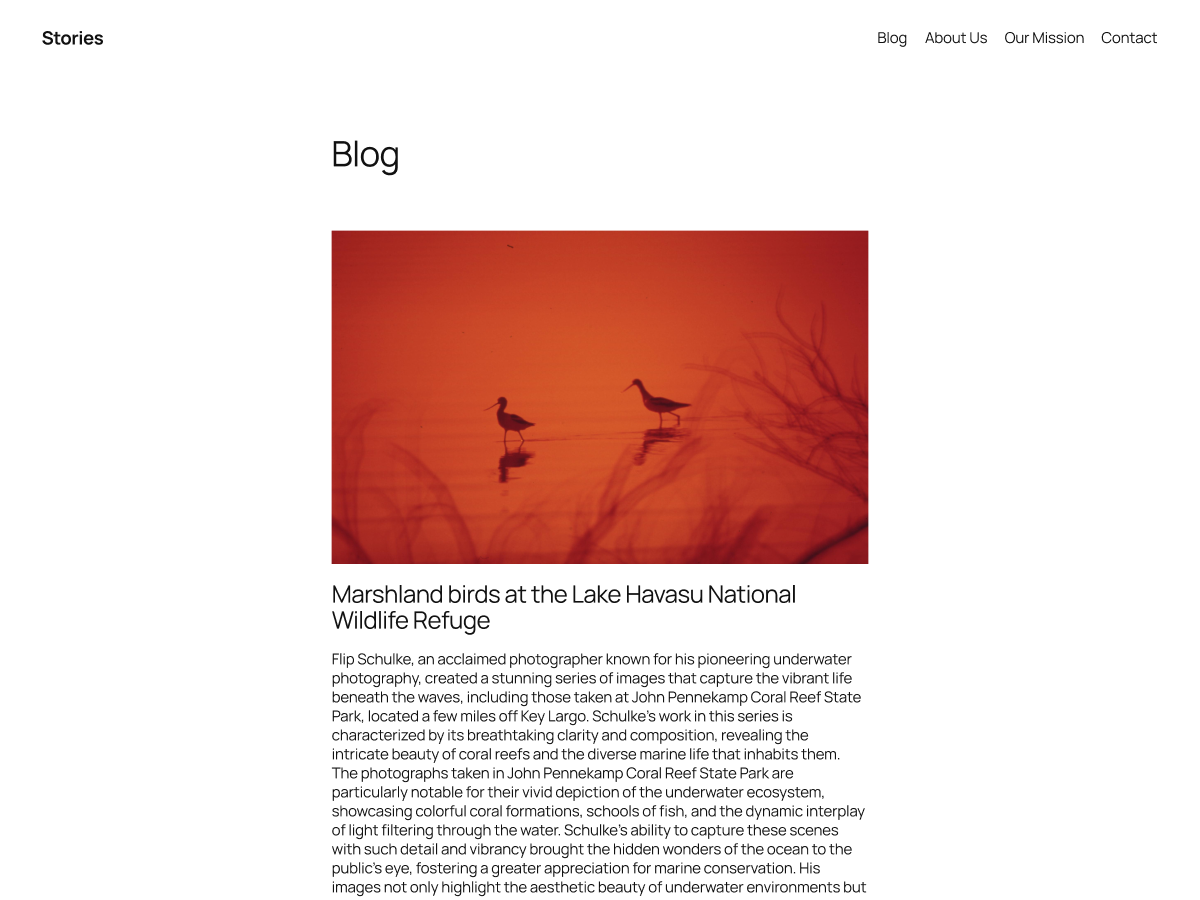
Pluralistic: Daily links from Cory Doctorow – No trackers, no ads. Black type, white background. Privacy policy: we don't collect or retain any data at all everpluralistic.net
- Theme: Twenty Sixteen
- 7 plugins detected
-
-
Petrol Pump, CNG, CBG, LNG, Ethanol | Vagmi Energyvagmienergy.com
- Theme: Hello Elementor
- 8 plugins detected
-
Hair Concept: Hairdresser Amsterdam West | Expert Hair Salonhaarconcept.nl
- Theme: Hello Elementor
- 9 plugins detected
-
Noutăți despre știință, tehnologie, istorie, cultură și călătorii | Descopera.rodescopera.ro
- Theme: Descopera Twenty
- 2 plugins detected
-
-
Caesars Report – Junior Mining & Resource Investingcaesarsreport.com
- Theme: Compass Child
- 6 plugins detected


Most detected across 1,114 scanned sites
Themes
- 1
 Hello Elementor107 sites
 - 2
 Astra81 sites
 - 3
 WoodMart35 sites
 - 4
 Kadence23 sites
 - 5
 GeneratePress21 sites
 - 6
Divi20 sites
- 7
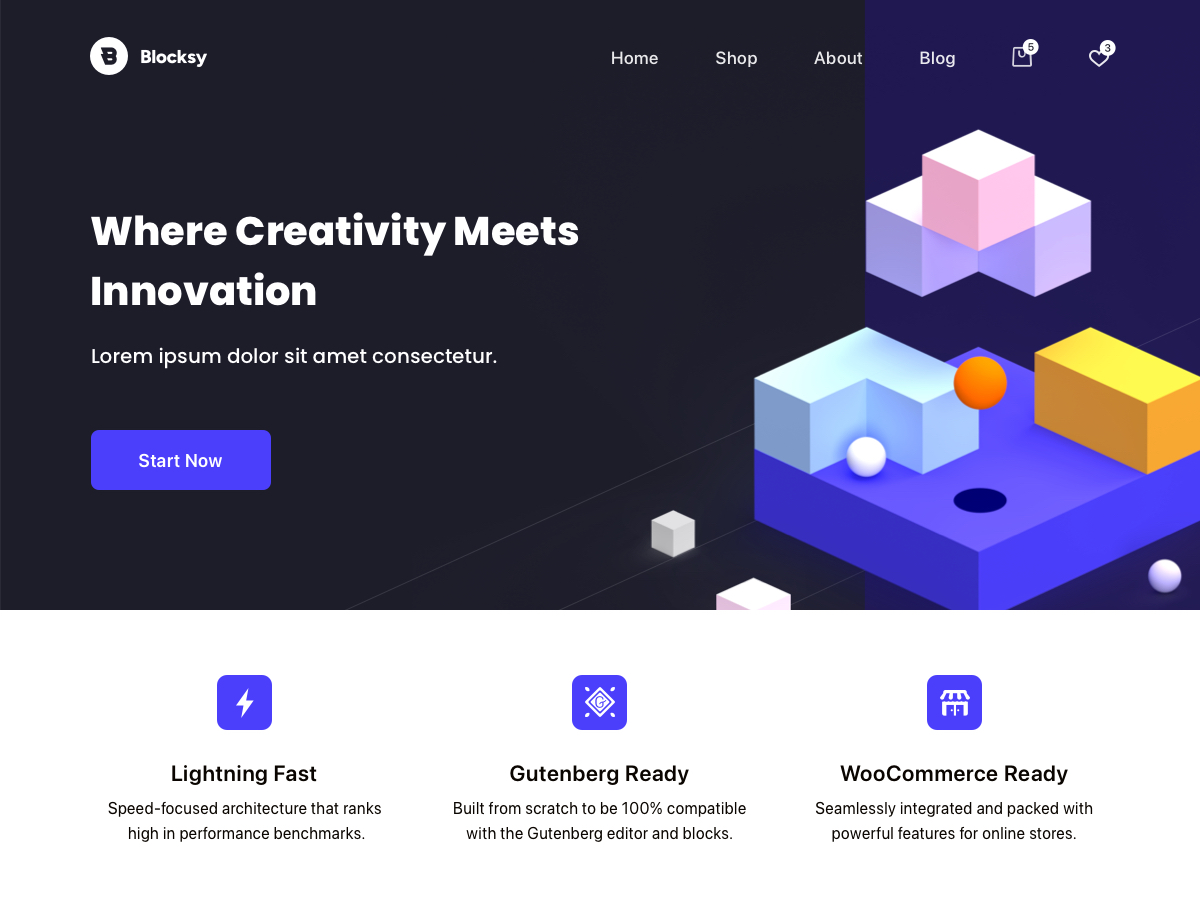 Blocksy18 sites
 - 8
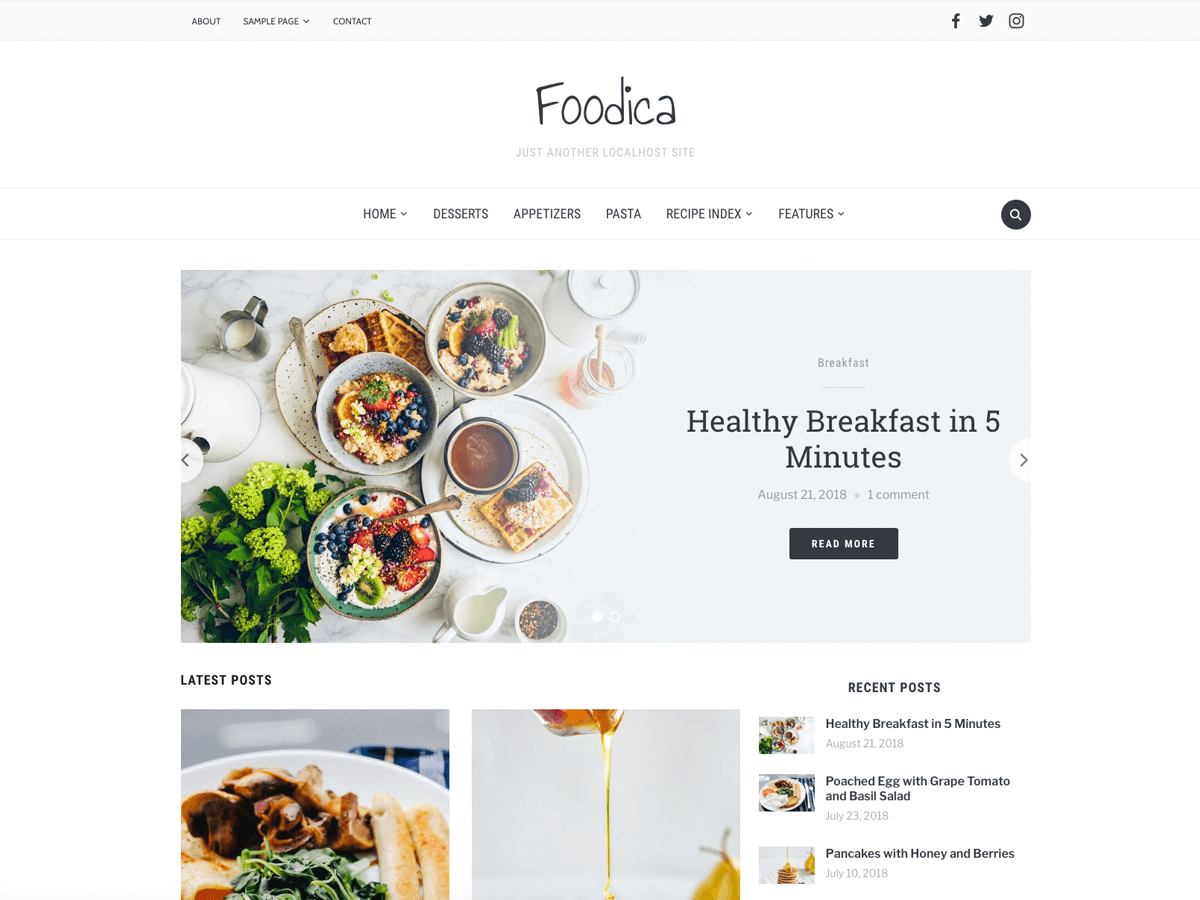 Foodica14 sites
 - 9
 Inspiro14 sites
 - 10
 Flatsome12 sites
Plugins
- 1
 WooCommerce303 sites
 - 2
 Jetpack285 sites
 - 3
 Contact Form 7245 sites
 - 4
 Yoast SEO244 sites
 - 5
 LiteSpeed Cache239 sites
 - 6
 Elementor236 sites
 - 7Site Kit by Google225 sites
- 8Elementor Pro218 sites
- 9
 Rank Math SEO162 sites
 - 10Akismet Anti-spam: Spam Protection149 sites
What the detector reveals
Theme, with its history
Name, version, author and whether it’s a child theme. Free themes link to their ranking, active installs and daily download history across 4,749 tracked themes.
Plugins the page loads
Every plugin referenced on the home page, matched against 1,749 WordPress.org plugins and our premium catalog. Ones with a stats page come first.
Hosting and stack
WordPress version, hosting provider, CDN, web server and PHP version, where the site exposes them.
Who else uses it
Every theme and plugin page lists real sites detected running it, from 1,114 scanned sites so far.
How it works
- Fetch the public home page the way a browser would. No login, nothing installed on either side.
- Read what WordPress leaves in the HTML: theme and plugin directory paths, the theme’s style.css headers, the generator tag and response headers.
- Match against our catalog of tracked free themes and plugins and the premium products we monitor, and link each result to its page here.
Results are cached for 24 hours per site. Scans read only public information.
Frequently asked questions
How accurate is the WordPress theme detector?
Very accurate for the theme: WordPress prints the active theme’s directory in the page source, and the detector reads the theme’s own style.css for its name, version and author. Plugins come from three signals: the assets they load on the home page, the routes they register in the site’s REST API index, and markup they leave behind (comments, generator tags, class names). Plugins that do none of those — many back-end tools — stay invisible, and each result says which signal found each plugin.
Does it detect child themes and their parent?
Yes. When the active theme declares a Template in style.css, the result shows the child theme with its parent underneath, and the ranking, install and rating figures come from the parent’s page in our catalog.
Can it identify premium themes like Divi, Avada or Flatsome?
Yes. Premium themes and plugins aren’t on WordPress.org, so we match their directory names against our premium catalog, which tracks real-world usage across the web. Anything we can’t match is shown by name with a “custom / unlisted” label rather than guessed.
Why does it say no theme was found?
A few sites hide their stack: headless front ends, aggressive optimisation plugins that inline or rename assets, custom wp-content paths, or a firewall that blocks automated requests. In those cases the detector reports what it could and could not see instead of guessing.
Is the tool free, and do I need to install anything?
It’s free, runs in the browser, and needs no extension, account or plugin. Scans only read the site’s public home page, the same way a visitor’s browser does.
Does it show the WordPress version and hosting provider?
When the site exposes them. The WordPress version comes from the generator tag or core asset versions, the hosting provider from response headers and host-specific must-use plugins, and the CDN from headers such as Cloudflare’s.