



Free · No signup · Reads only the public home page

 Viciada em viajar | Dicas para viajar mais e melhor em 38 países
WordPress · Cloudflare CDN · 18 plugins detected
Theme

Viciada em Viajar 2017 Custom / unlisted
by Dint Studio team · v1.0
Plugins (18)
-
 Contact Form 7
by Rock Lobster Inc. · 10M+ active installs
#3
Contact Form 7
by Rock Lobster Inc. · 10M+ active installs
#3
-
 Yoast SEO
by Yoast · 10M+ active installs · via REST API
#2
Yoast SEO
by Yoast · 10M+ active installs · via REST API
#2
-
 Elementor
by Elementor · 10M+ active installs · via REST API
#1
Elementor
by Elementor · 10M+ active installs · via REST API
#1
-
 Akismet Anti-spam: Spam Protection
by Automattic · 5M+ active installs · via REST API
#8
Akismet Anti-spam: Spam Protection
by Automattic · 5M+ active installs · via REST API
#8
-
 Wordfence Security
by Mark Maunder · 5M+ active installs · via REST API
#11
Wordfence Security
by Mark Maunder · 5M+ active installs · via REST API
#11
-
 Jetpack
by Automattic · 3M+ active installs
#17
Jetpack
by Automattic · 3M+ active installs
#17
-
 Redirection
by John Godley · 2M+ active installs · via REST API
#21
Redirection
by John Godley · 2M+ active installs · via REST API
#21
-
 Google Analytics for WordPress by MonsterInsights
by chriscct7 · 2M+ active installs · via REST API
#24
Google Analytics for WordPress by MonsterInsights
by chriscct7 · 2M+ active installs · via REST API
#24
-
 CookieYes | GDPR Cookie Consent
by CookieYes · 1M+ active installs
#39
CookieYes | GDPR Cookie Consent
by CookieYes · 1M+ active installs
#39
-
 Smush
by WPMU DEV - Your All-in-One WordPress Platform · 1M+ active installs · via REST API
#65
Smush
by WPMU DEV - Your All-in-One WordPress Platform · 1M+ active installs · via REST API
#65
-
 Meta pixel for WordPress
by Facebook · 400K+ active installs
#139
Meta pixel for WordPress
by Facebook · 400K+ active installs
#139
-
 GDPR Cookie Compliance
by Moove Agency · 300K+ active installs · via page markup
#183
GDPR Cookie Compliance
by Moove Agency · 300K+ active installs · via page markup
#183
-
 Jetpack Boost
by Automattic · 200K+ active installs · via REST API
#246
Jetpack Boost
by Automattic · 200K+ active installs · via REST API
#246
-
 OneSignal Push Notifications
by OneSignal Push Notifications · 60K+ active installs
#634
OneSignal Push Notifications
by OneSignal Push Notifications · 60K+ active installs
#634
-
 Meks Smart Author Widget
by Meks · 10K+ active installs
#1,686
Meks Smart Author Widget
by Meks · 10K+ active installs
#1,686
-
 Booking.com Official Search Box
by SPBooking.com · 2K+ active installs
#4,532
Booking.com Official Search Box
by SPBooking.com · 2K+ active installs
#4,532
-
 Seguros Promo
by Amopromo · 100+ active installs
#16,212
Seguros Promo
by Amopromo · 100+ active installs
#16,212
-
Cookieyes Custom / unlisted
cookieyes· via page markup
Hosting & stack
- Hosting provider
- hidden behind Cloudflare
- CDN / edge
- Cloudflare (proxied — origin IP hidden)
- IP address
104.21.96.39+1 · San Francisco, United States- Nameservers
joel.ns.cloudflare.commalavika.ns.cloudflare.com- Server
- hidden
- WordPress
- version hidden
Recently detected
-
-
CIA Foodies - Experience the World of Food with Culinary Institute of Americaciafoodies.com
- Theme: Foodica Child
- 17 plugins detected
-
Marlene On The Move | Travel Inspiration Around the Worldmarleneonthemove.com
- Theme: Lifestyle Stories
- 9 plugins detected
-
-
Dicas Nova York - O seu guia completo sobre Nova Yorkdicasnovayork.com.br
- Theme: Dicas Nova York
- 5 plugins detected
-
-
Viciada em viajar | Dicas para viajar mais e melhor em 38 paísesviciadaemviajar.com
- Theme: Viciada em Viajar 2017
- 18 plugins detected
-
-
خیریه سید الکریم – با کریمان کارها دشوار نیست… مؤسسه خيريه سيدالكريم علیه السلامbakariman.ir
- Theme: Charitious
- 6 plugins detected
-
CARBO | Advanced Proppant Technologies and Industry Solutionscarbo.tech
- Theme: carbo
- 5 plugins detected
-
-
Auckland 4WDS - 4x4, UTEs, Trucks, 4WD | Largest 4WD Dealership NZauckland4wds.co.nz
- Theme: Vehica
- 10 plugins detected


Most detected across 1,110 scanned sites
Themes
- 1
 Hello Elementor106 sites
 - 2
 Astra81 sites
 - 3
 WoodMart35 sites
 - 4
 Kadence23 sites
 - 5
 GeneratePress21 sites
 - 6
Divi20 sites
- 7
 Blocksy18 sites
 - 8
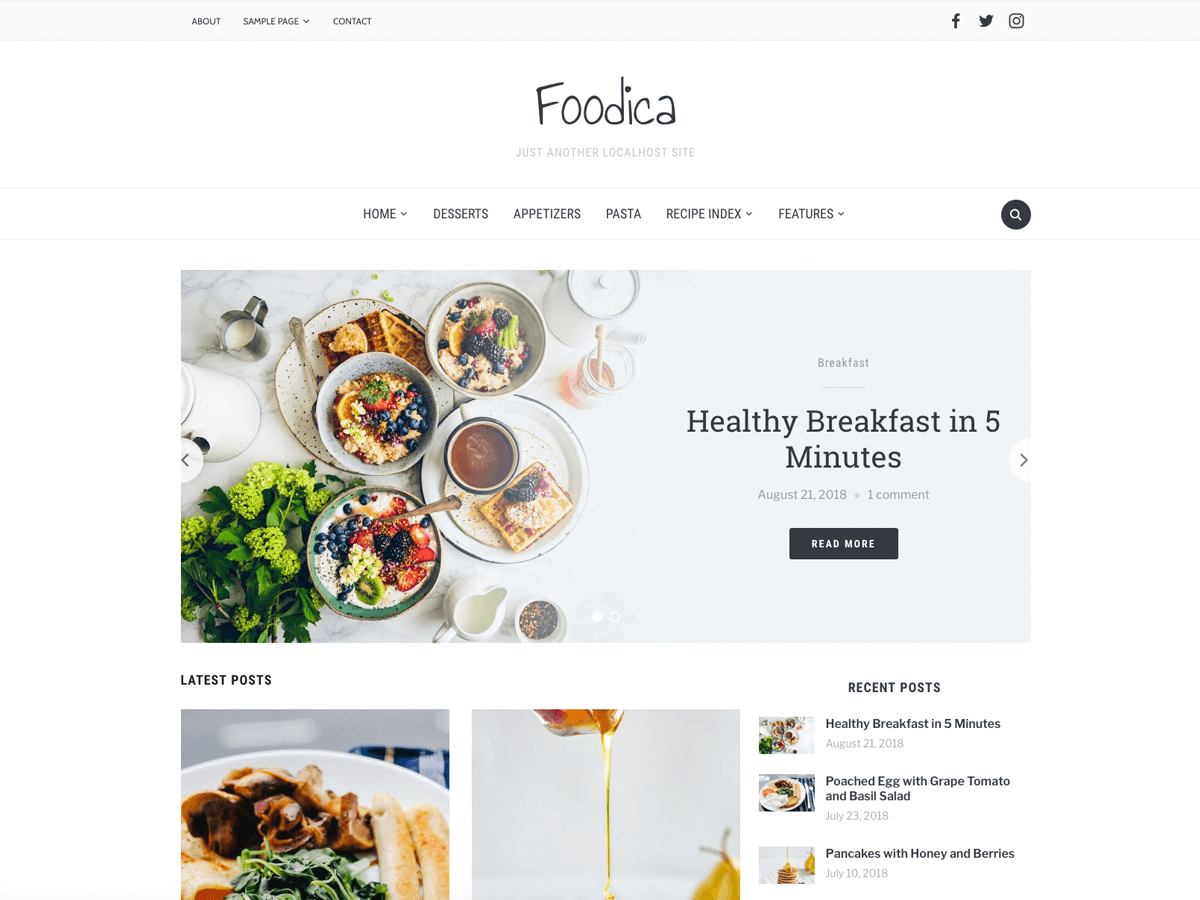 Foodica14 sites
 - 9
 Inspiro14 sites
 - 10
 Flatsome12 sites
Plugins
- 1
 WooCommerce302 sites
 - 2Jetpack284 sites
- 3Contact Form 7244 sites
- 4Yoast SEO242 sites
- 5
 LiteSpeed Cache238 sites
 - 6Elementor237 sites
- 7
 Site Kit by Google223 sites
 - 8Elementor Pro216 sites
- 9
 Rank Math SEO159 sites
 - 10Akismet Anti-spam: Spam Protection150 sites
What the detector reveals
Theme, with its history
Name, version, author and whether it’s a child theme. Free themes link to their ranking, active installs and daily download history across 8,741 tracked themes.
Plugins the page loads
Every plugin referenced on the home page, matched against 67,043 WordPress.org plugins and our premium catalog. Ones with a stats page come first.
Hosting and stack
WordPress version, hosting provider, CDN, web server and PHP version, where the site exposes them.
Who else uses it
Every theme and plugin page lists real sites detected running it, from 1,110 scanned sites so far.
How it works
- Fetch the public home page the way a browser would. No login, nothing installed on either side.
- Read what WordPress leaves in the HTML: theme and plugin directory paths, the theme’s style.css headers, the generator tag and response headers.
- Match against our catalog of tracked free themes and plugins and the premium products we monitor, and link each result to its page here.
Results are cached for 24 hours per site. Scans read only public information.
Frequently asked questions
How accurate is the WordPress theme detector?
Very accurate for the theme: WordPress prints the active theme’s directory in the page source, and the detector reads the theme’s own style.css for its name, version and author. Plugins come from three signals: the assets they load on the home page, the routes they register in the site’s REST API index, and markup they leave behind (comments, generator tags, class names). Plugins that do none of those — many back-end tools — stay invisible, and each result says which signal found each plugin.
Does it detect child themes and their parent?
Yes. When the active theme declares a Template in style.css, the result shows the child theme with its parent underneath, and the ranking, install and rating figures come from the parent’s page in our catalog.
Can it identify premium themes like Divi, Avada or Flatsome?
Yes. Premium themes and plugins aren’t on WordPress.org, so we match their directory names against our premium catalog, which tracks real-world usage across the web. Anything we can’t match is shown by name with a “custom / unlisted” label rather than guessed.
Why does it say no theme was found?
A few sites hide their stack: headless front ends, aggressive optimisation plugins that inline or rename assets, custom wp-content paths, or a firewall that blocks automated requests. In those cases the detector reports what it could and could not see instead of guessing.
Is the tool free, and do I need to install anything?
It’s free, runs in the browser, and needs no extension, account or plugin. Scans only read the site’s public home page, the same way a visitor’s browser does.
Does it show the WordPress version and hosting provider?
When the site exposes them. The WordPress version comes from the generator tag or core asset versions, the hosting provider from response headers and host-specific must-use plugins, and the CDN from headers such as Cloudflare’s.